
If you don't have an account yet
- Follow this link to see schedules/drop-ins:
PerfectMind - view only
If you’re ready to create an account, go to https://nrrm.perfectmind.com and click the Create an Account link at the bottom
If you do have an account
Log into PerfectMind using your email address. If you forgot your password, contact customer service at 250.774.2541 option 1 for assistance – please don’t create a new user id.
Select the BookMe → Schedule dropdown button at the top:
Image
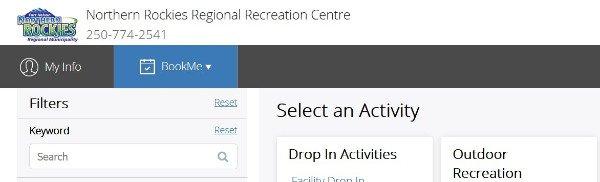
Now follow the steps below.
Select an Activity such as Registered Programs or Registered and Drop In Activities
Image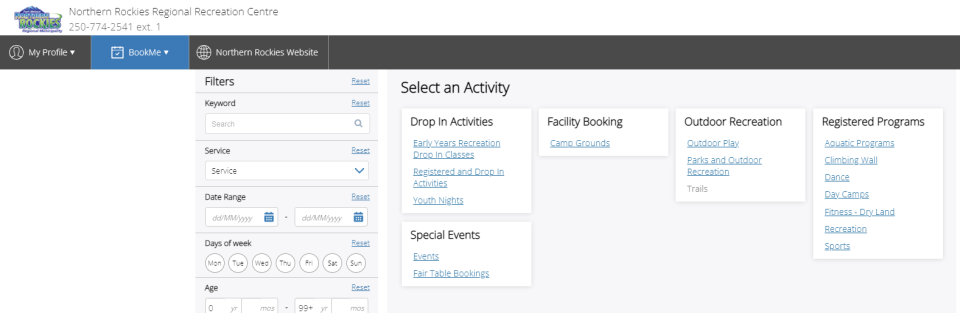
Browse the available activities and programs.
Image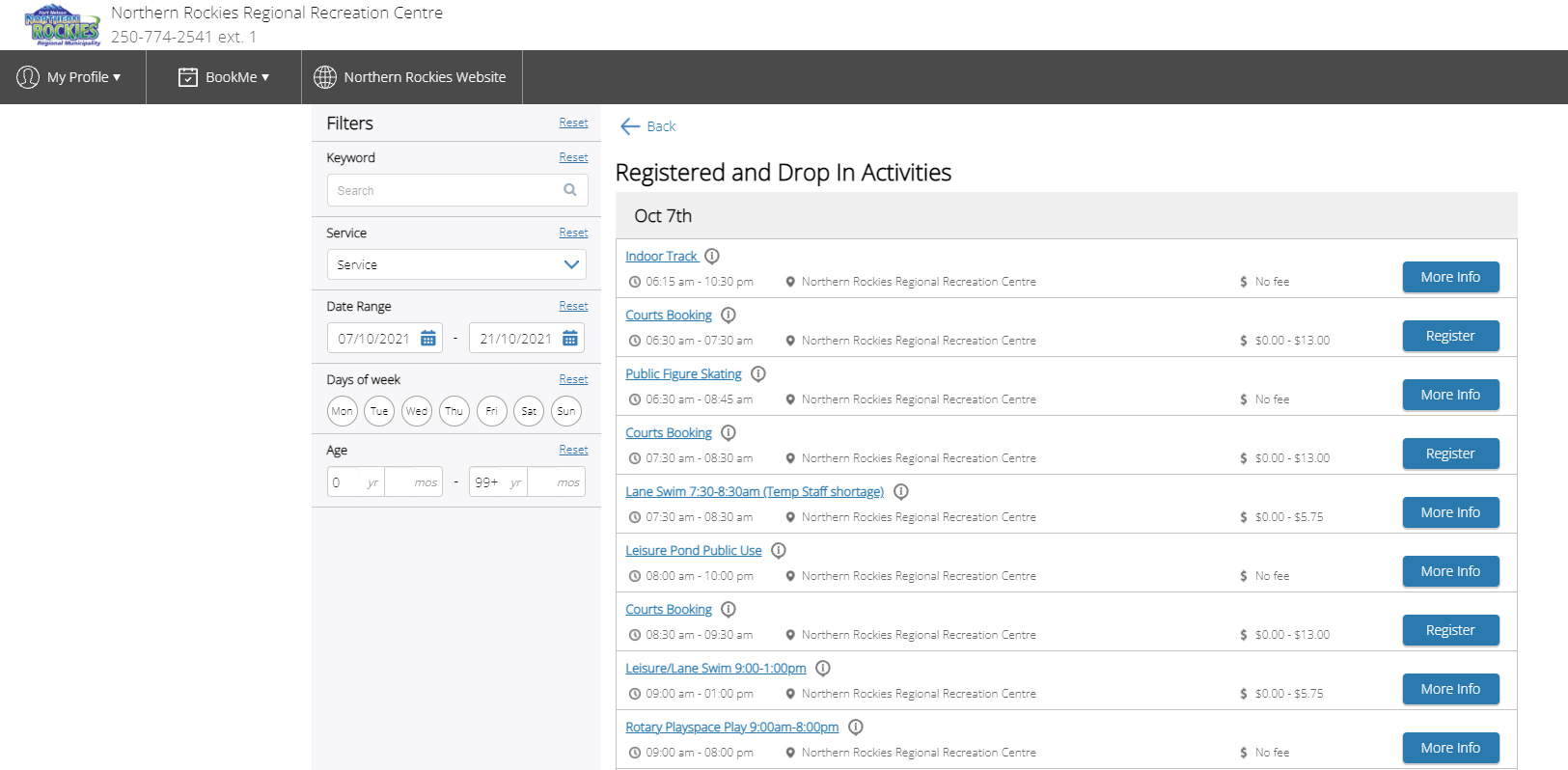
Filter activities by the date or by the service (type) you want to view and click the button on the right for more information or to register (if applicable).
Image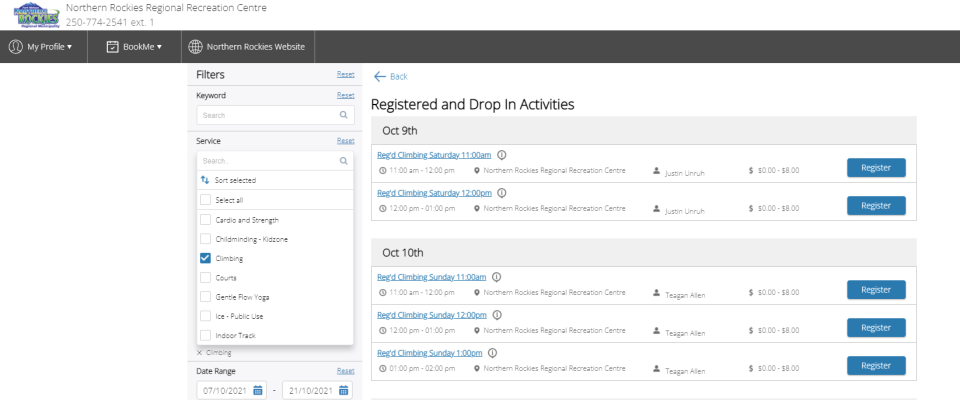
- To CONFIRM your registration, click the REGISTER button on the top right and follow the instructions.
(You will need to have a PerfectMind account to register – Create an Account.)